WITH A PHOTOGRAPHER AND A 360° CAMERA
A 360° panorama
from your photos.
Take photos of the room from a few angles with your phone. Elsewalk turns them into a 360° panorama and gives you a link to send to your clients.
Your panorama is ready in under 12 hours
after you upload photos to your Elsewalk account.
ONE APARTMENT, TWO VIEWPOINTS
See the photos.
Then look around.
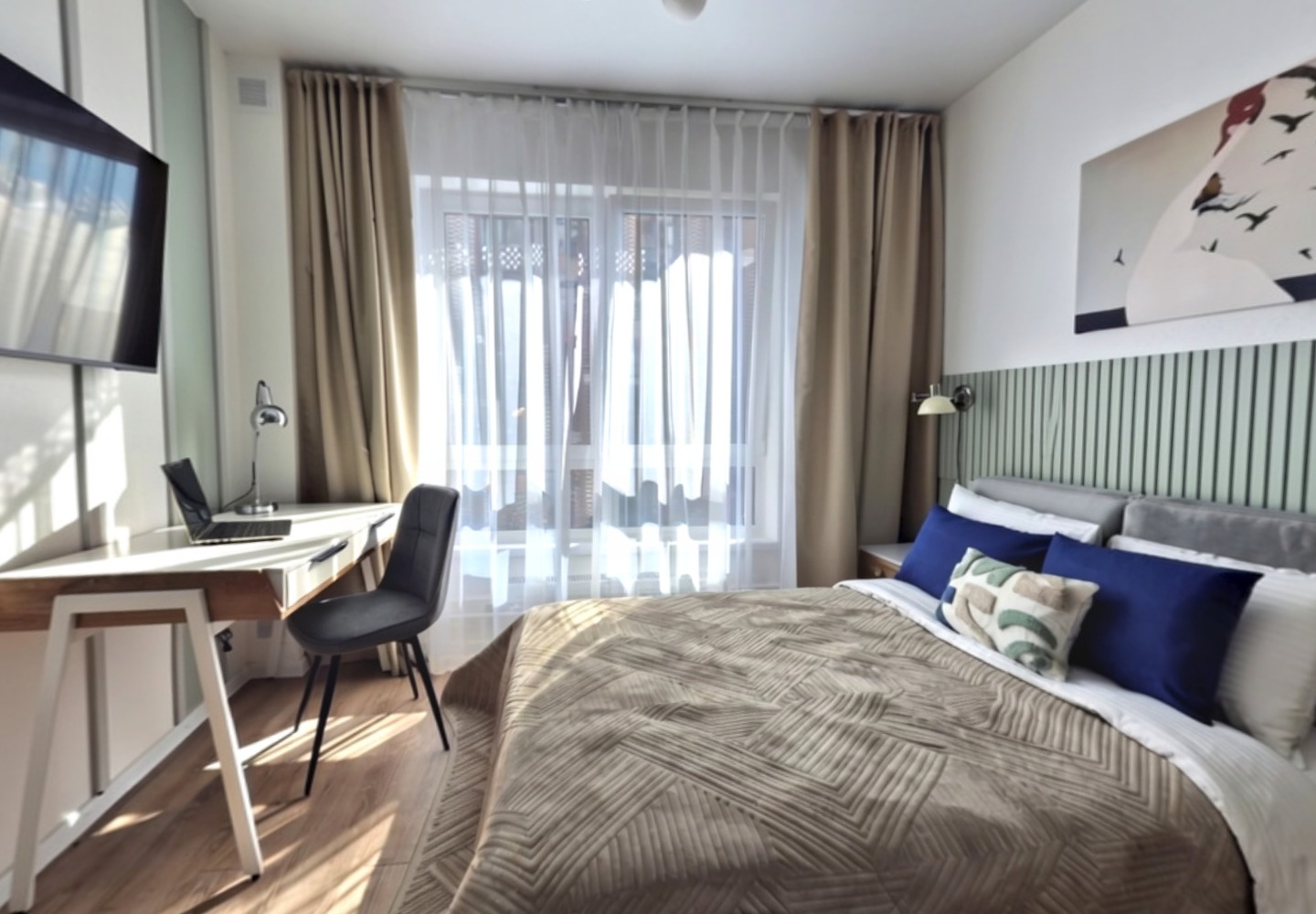
Explore this studio from two spots in the same room. Select a number on the floor plan to switch between them.
THE ORIGINAL PHOTOS
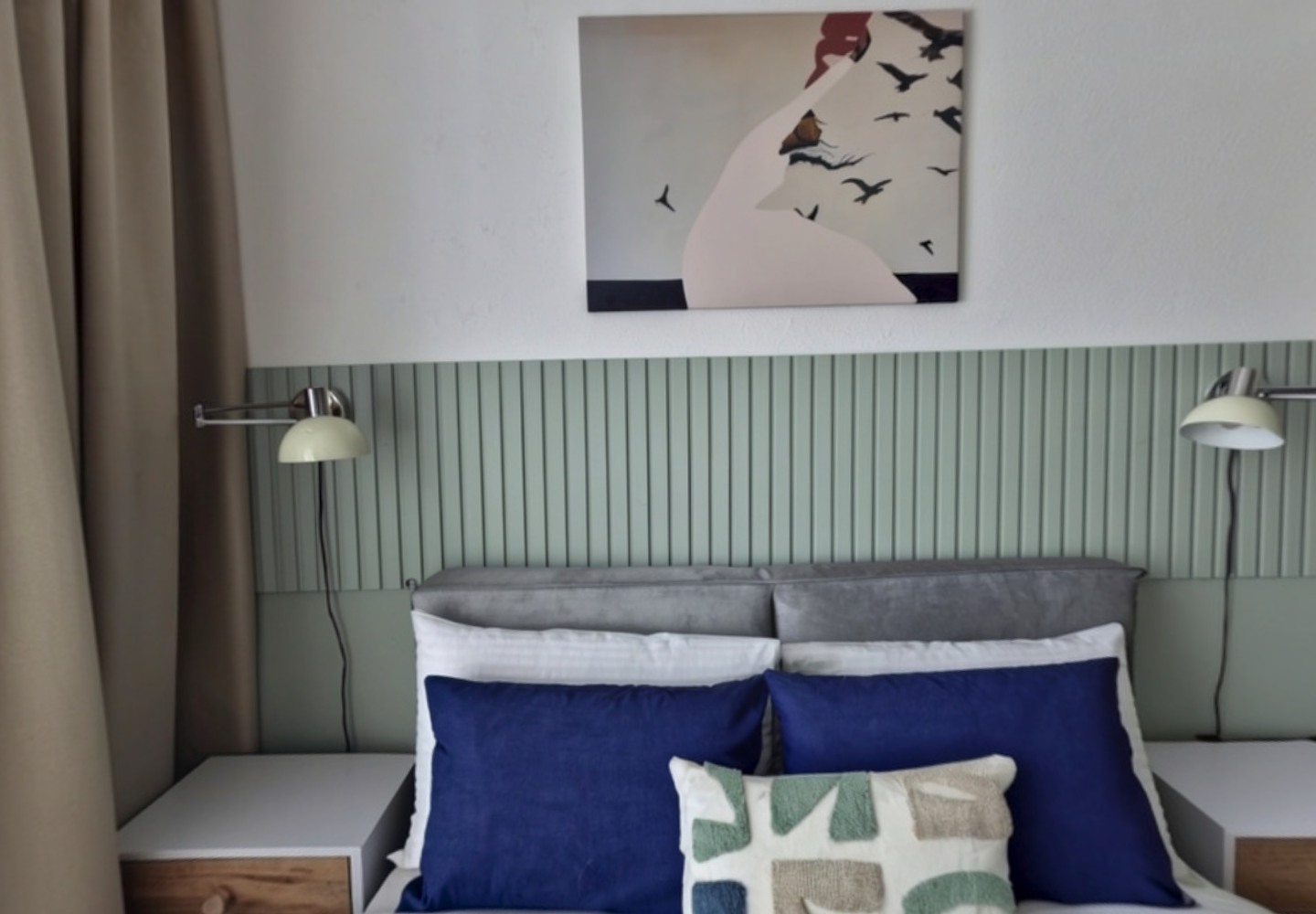
A few of the photos we worked from
These five photos are part of the set we used. Open any of them for a closer look, then compare them with the two panoramas below.
Start with the photos
All the photos show the same apartment.
Build the panoramas
We generate additional views and stitch them together.
Choose where to stand
The floor plan links the two 360° views.
THIS APARTMENT IN 360°
Drag to look around
Viewpoint 01 / By the bed
Look around.360°
You can still see a photo of the room here. To explore in 360°, open this page in a browser that supports WebGL.
TWO VIEWPOINTS IN THE SAME APARTMENT
01 /HOW IT WORKS
Book a photo shoot
or use the photos you have.
A traditional 360° shoot starts with a photography appointment. With Elsewalk, you can use clear phone photos you already have or take a few while you’re there.
 WITH YOUR PHONE
Take the photos yourself
Your Elsewalk panorama is ready in under 12 hours after you upload the photos to your account.
See all steps
A traditional 360° shoot
- Contact a photographer
- Agree on a time
- Meet the photographer and let them in
- Photograph the rooms in 360°
- Wait for the images to be processed
- Receive the panorama
Elsewalk
Take the photos
Stand in a few different spots so the photos show all sides of the room.
Upload your photos
Add them to your Elsewalk account.
Open your panorama
Send your client the link for a 360° view of the room.
If your photos already show the room from several angles, you can get started by uploading them.
02 /WAYS TO USE A PANORAMA
Let clients look around
before they visit.
Whether you’re renting out your own place, welcoming hotel guests or listing a property, clients can explore the room at their own pace.
ONE ROOM, DIFFERENT QUESTIONS
Photos show individual details. A panorama helps clients see how those details fit together.
Show guests where
they’ll be staying.
If you host a rental or run a hotel, send guests a link to the room they’re considering. They can look from the bed to the window and see where the desk is.
HOTELS AND HOLIDAY RENTALSGive buyers a look
before a showing.
Selling your home or handling a listing for a client? Send the panorama to prospective buyers so they can explore the layout before booking a showing.
HOMEOWNERS AND REAL ESTATE AGENTSAnswer a question
with a link.
When a client asks where something is in the room, send the link. They can turn toward the detail you’re discussing.
REMOTE WALKTHROUGHS03 /WHAT ELSEWALK DELIVERS
From room photos
to a view you can share.
Upload photos to your Elsewalk account. In under 12 hours, you’ll have a panorama you can open and share.
Upload
your photos.
Choose clear phone photos taken from several angles. Include the details your clients will want to see.
Get your panorama
in under 12 hours.
Elsewalk builds a 360° panorama from your photos. You’ll find it in your account less than 12 hours after you upload them.
Share the link.
Send the link to your client or add it to your website. The panorama opens right in the browser.
EXAMPLES FROM SOUTH AMERICA
Virtual tours in
Argentina and Uruguay.
An agency in Argentina and a property portal in Uruguay share how they use virtual tours.
Coldwell Banker Impacto Pro
Mendoza
55minexploring virtual tours
2in-person showings
The agency describes one buyer who spent 55 minutes exploring several virtual tours, booked two showings and chose one of those properties.
Read the original articleInfoCasas
Property portal · July 24, 2023
360°before the showing
InfoCasas announced 360° tours so buyers could explore a home before visiting. Its aim was to help buyers arrive better informed and save agents time answering inquiries.
Read the original articleINTERNATIONAL EXAMPLES
A 3D tour before the apartment viewing
A Yandex Arenda specialist visits the apartment with a 360° camera. Prospective tenants can move from room to room in a 3D tour built into the listing. In its five-year review, Yandex reported that 95% of apartments on the platform are rented online.
50% fewer
in-person showings.
London agency Atkinson McLeod reported a 50% drop in in-person showings after adding Matterport 3D tours. Its director said online tours helped people decide whether a property suited them before booking a visit.
Matterport · Atkinson McLeod case studyWHAT BUYERS AND SELLERS WANT
Zillow · 2024 US surveys70%
of buyers surveyed agreed that 3D tours give them a better sense of a space than still photos.
Zillow · 2024 buyer report62%
of buyers surveyed wanted to see more listings with 3D tours.
Zillow · 2024 buyer report71%
of sellers surveyed said they were more likely to hire an agent who offers virtual tours, interactive floor plans or both.
Zillow · 2024 seller report04 /FREQUENTLY ASKED QUESTIONS
Before
you start.
Can I use the photos I already have?
Yes, if they’re clear and show the room from several angles. You can use photos from your phone and upload them to your Elsewalk account.
What happens to areas my photos don’t show?
Elsewalk fills in missing areas using the details visible in your photos, so those areas may look different from the actual room. If a feature matters, such as a balcony door or a built-in closet, include a photo that shows it in full.
What do I get, and how do I share it?
Your Elsewalk account includes the finished 360° panorama and a link to send to clients. They can open it in their browser without installing an app.
Can I add the panorama to my website or a listing?
You can share the link directly. Embedding the panorama on a website or listing depends on what the platform supports. We’ll check that with you before you book.
How much does it cost, and how long does it take?
The price depends on the number of rooms. We agree on it with you before starting. Your panorama will be ready in under 12 hours after you upload the photos to your account.
FROM YOUR PHOTOS TO 360° IN UNDER 12 HOURS
Start with
your photos.
Choose a room you’ve photographed, upload the images and get a panorama you can share. There’s no need to arrange a separate photo shoot.